One sentence. Today's ledger, done.
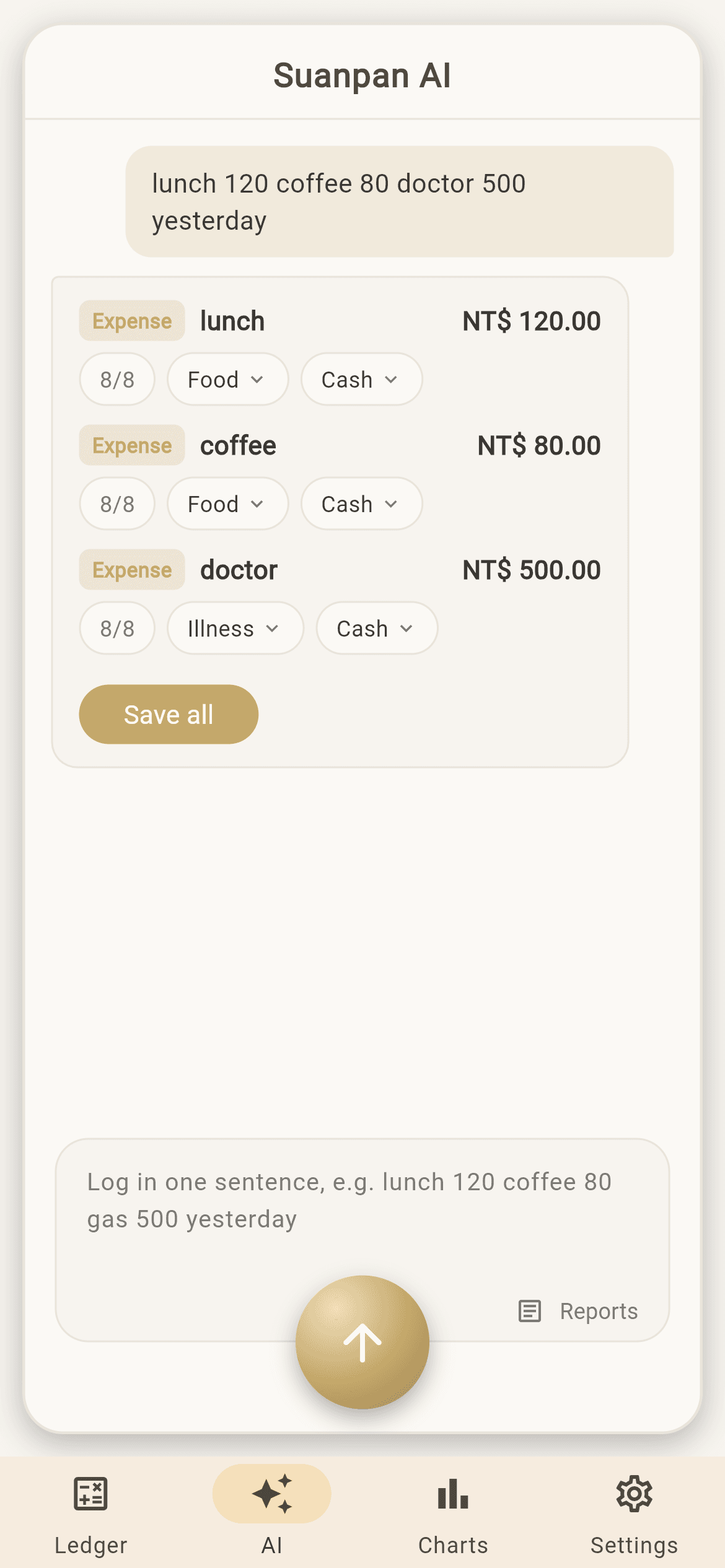
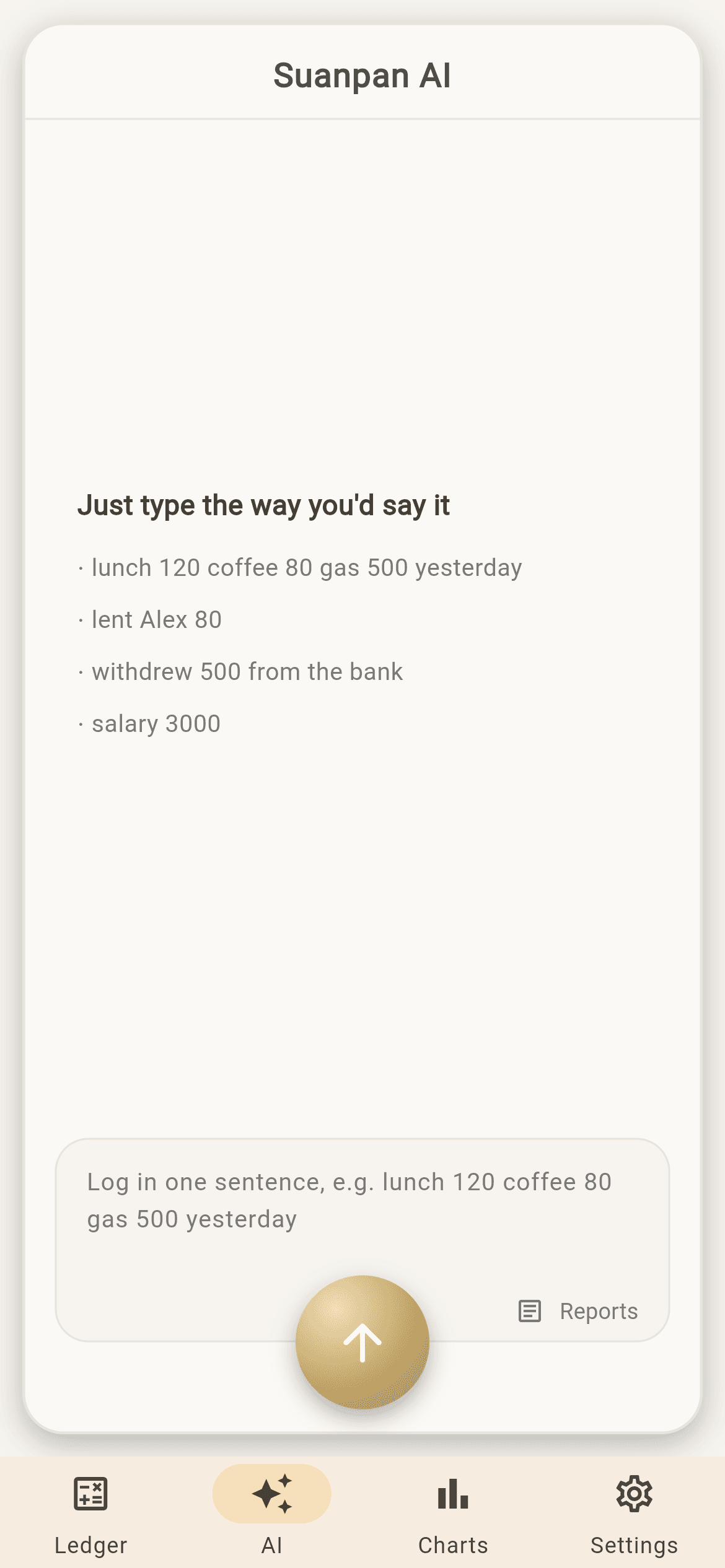
Type “lunch 120 coffee 80 taxi 250” and it splits into three entries and files them. The one it can't place, it asks about — it doesn't guess.
Sync across devices・Daily backups・Photos never uploaded・Location off by default・Four languages
One sentence, three entries — and it asks about the one it isn't sure of.
The first two land in Food on their own. The third has no matching category, so it turns red and asks, rather than picking one and hoping.
Why people move over
Three things most expense apps won't do for you.
If any of this sounds familiar
These are the problems it was built for.
- Still on a spreadsheet, and dreading the next phone change
- Money you lent out lives in your head, and three months later it's gone
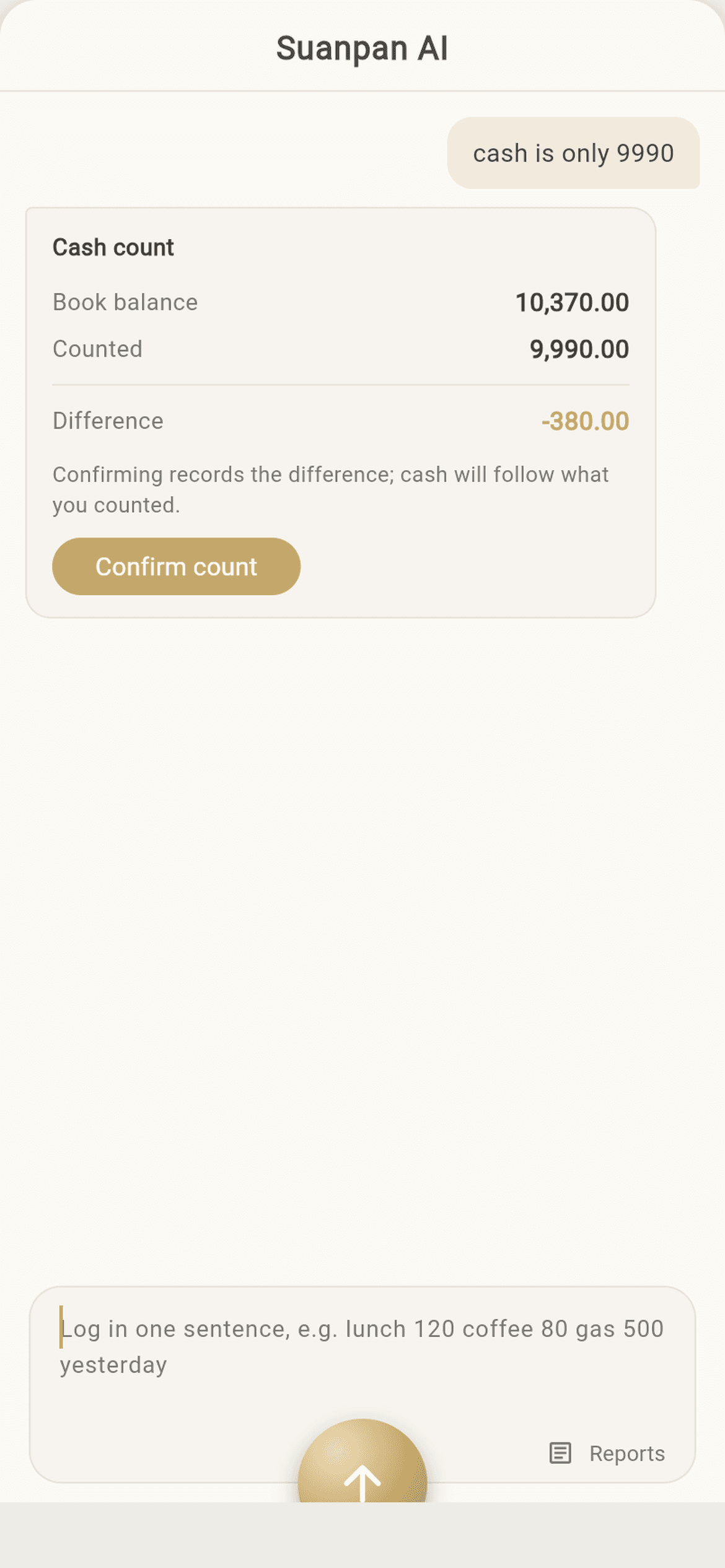
- The books and your actual wallet disagree, and checking is too much effort
- You open a calculator first, and by the time you're done you've forgotten what you were logging
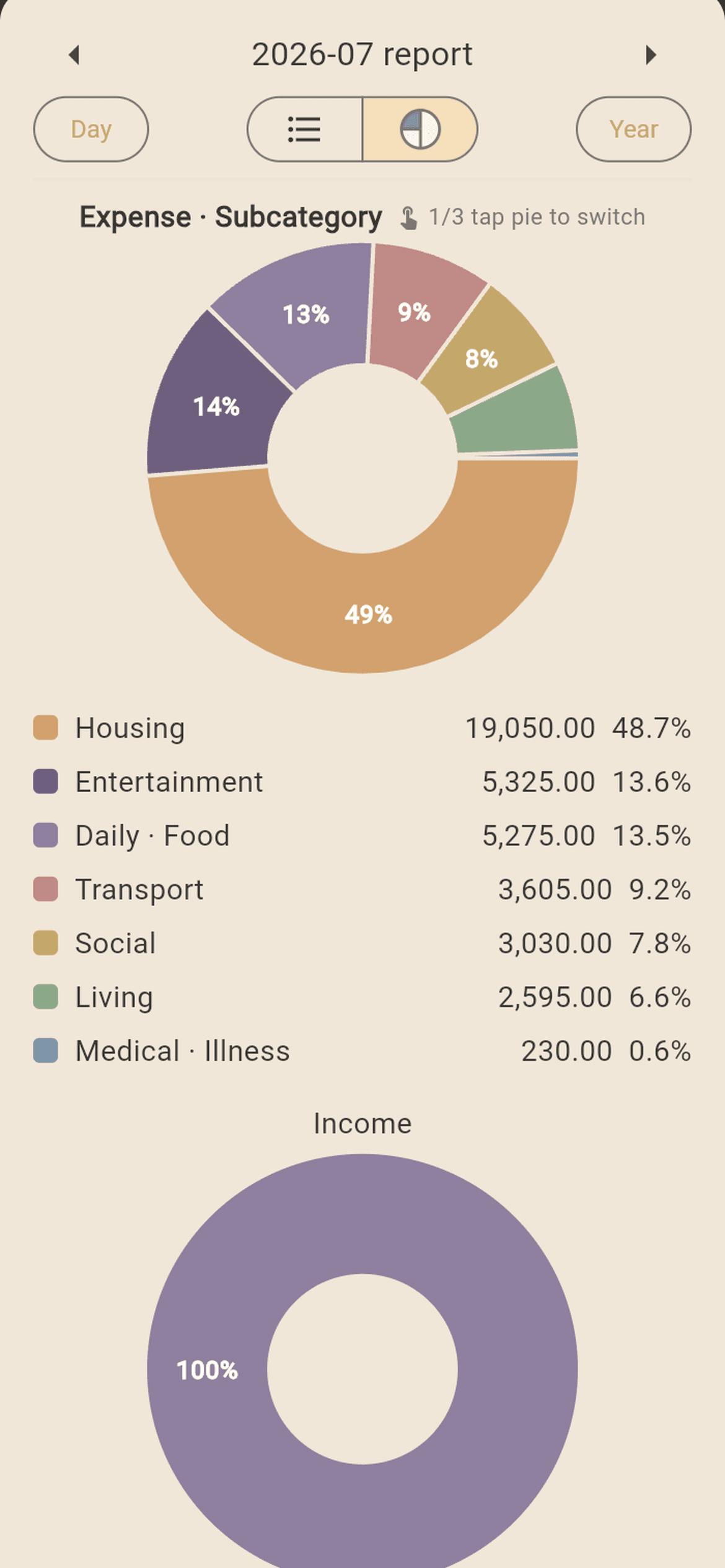
- You want to know where the money went, but the report is just a wall of numbers
Watch it run
One sentence typed, three entries waiting.
Type “lunch 120 coffee 80 doctor 500” a character at a time, then send. It splits them into three, each with a category and payment method, and stops on the Record all button — nothing reaches your ledger until you press it.
New
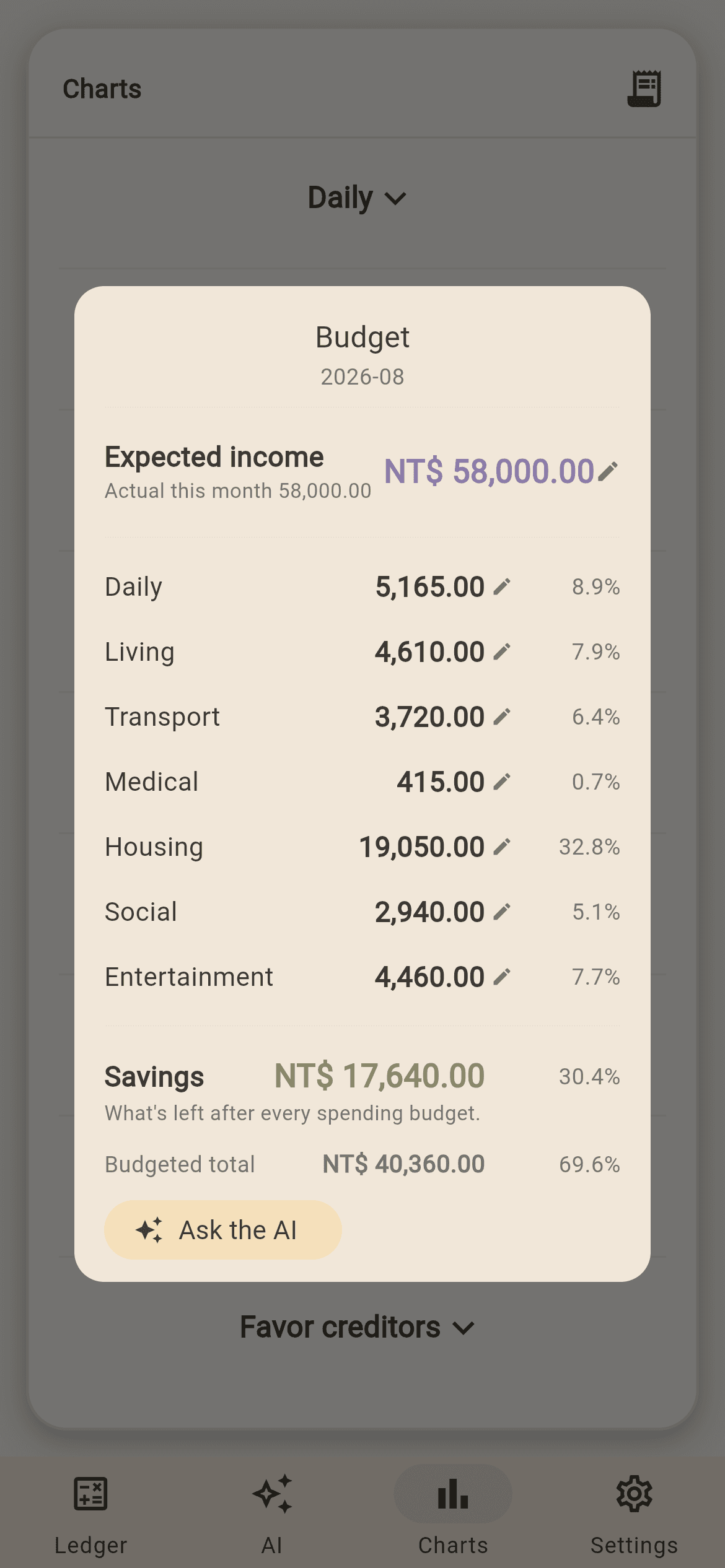
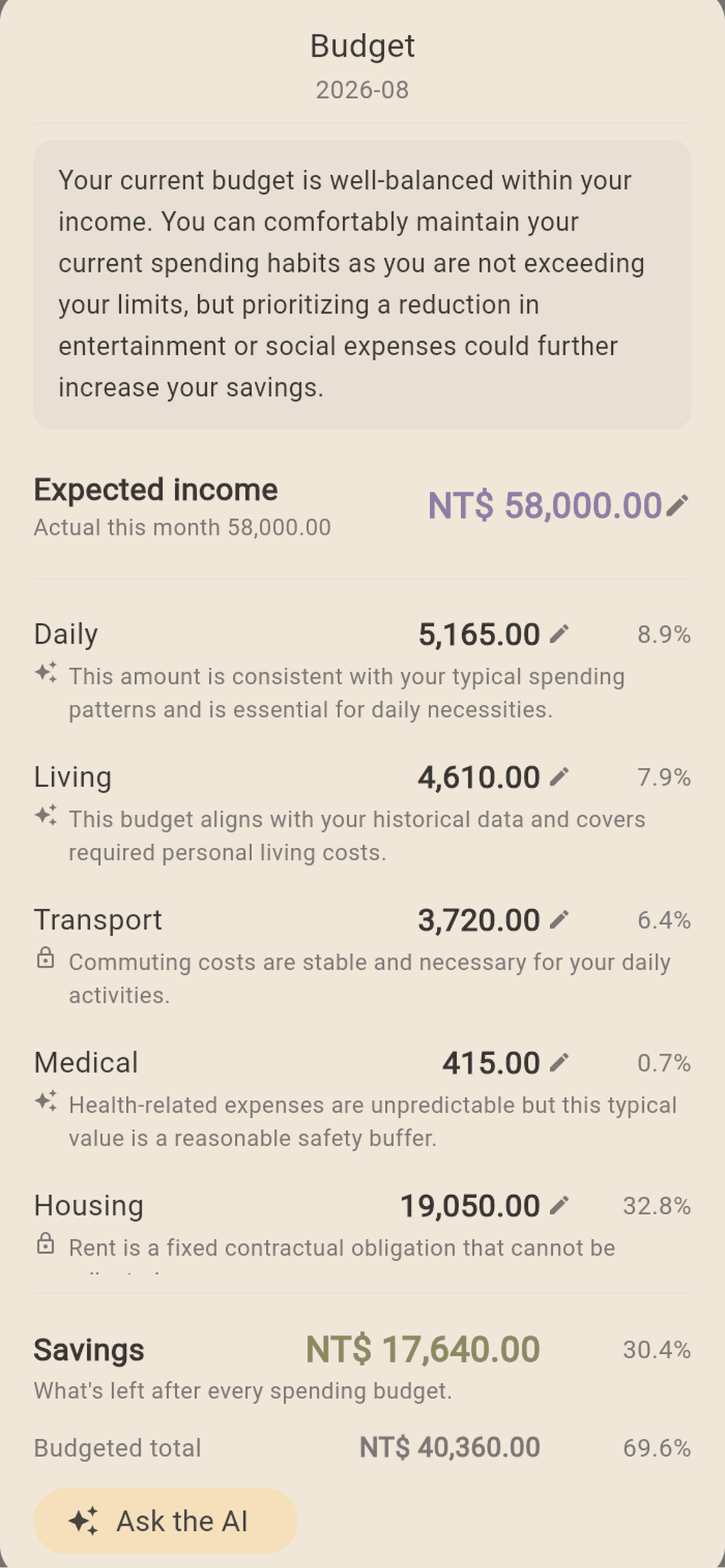
Set a budget, and it tells you what is left as you type.
Income is the denominator. Set an amount per category and whatever is left becomes savings — amounts and percentages both editable, each following the other. Pick a category while logging and it shows what remains this month. Next month carries over on its own: the cells you edited stay yours, the rest follow your actual spending over the last three months.
How it differs
Same job. Wider scope.
| Suanpan | Most expense apps | |
|---|---|---|
| When AI can't match a category | Flags it and asks | Picks one |
| Several entries from one sentence | Yes — and it reads lending and transfers | Usually single amounts only |
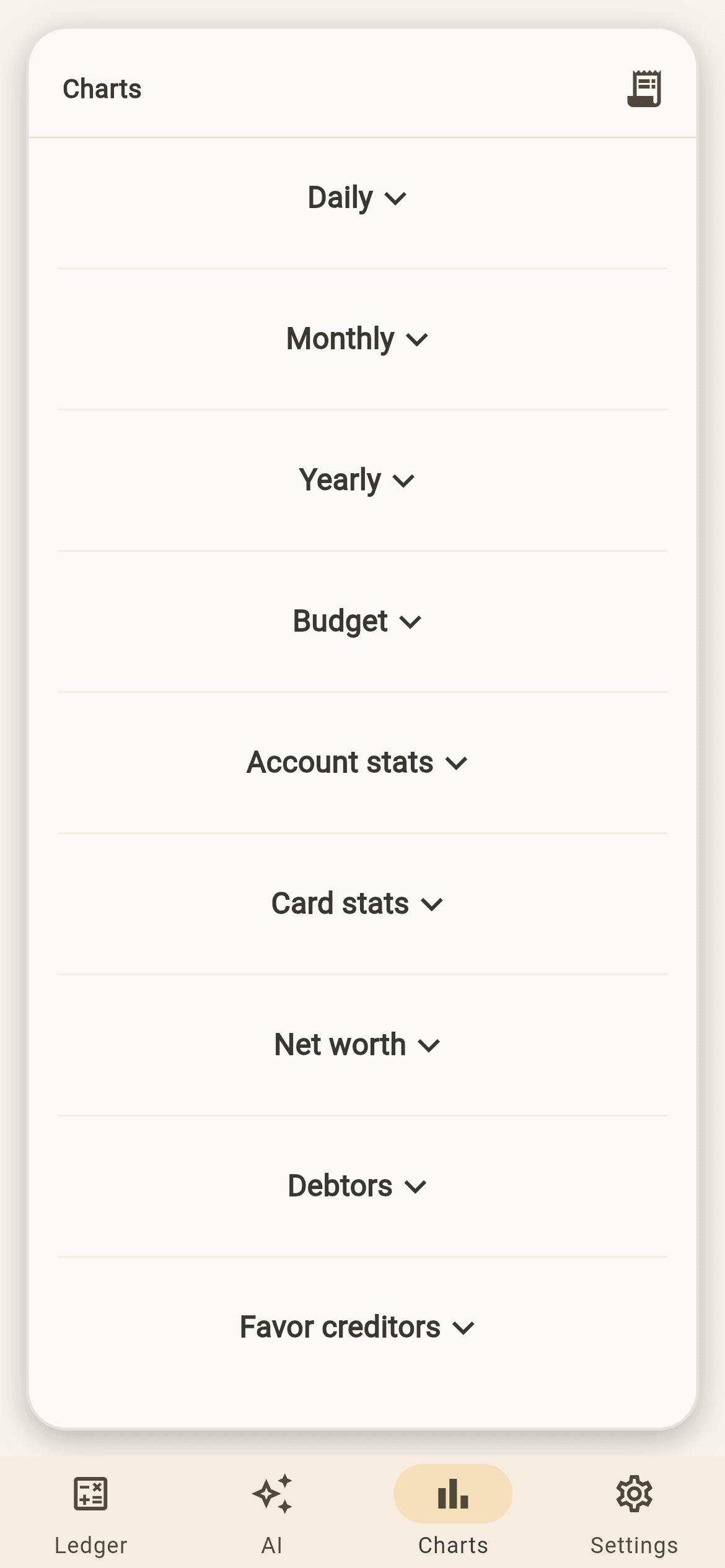
| Lending / favours | Yes, tracked separately | Usually absent |
| Account transfers | Both sides update; not income or expense | Often logged as one of each |
| Money earned but not yet paid | Noted separately, outside the ledger | Rare |
| Budget | Shows what is left as you log; carries over each month | Usually means going back to a report |
| Photos | Never leave the device | Uploaded |
| Location | Off by default; district only | Often on; exact coordinates |
| Interface languages | Four, fully translated | Often just two |
“Most expense apps” describes the common pattern, not any specific product.
What it does
Everything here is actually running.
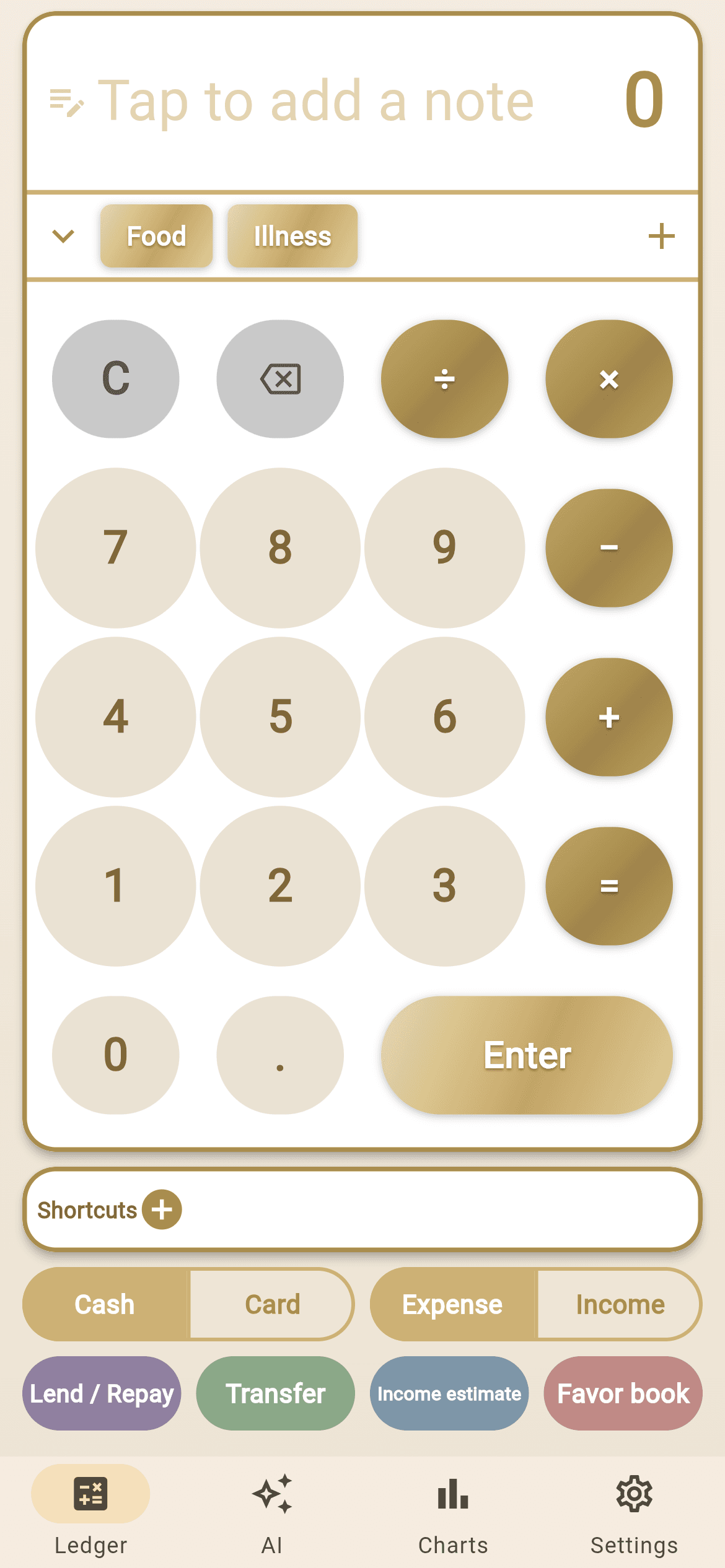
Real screens
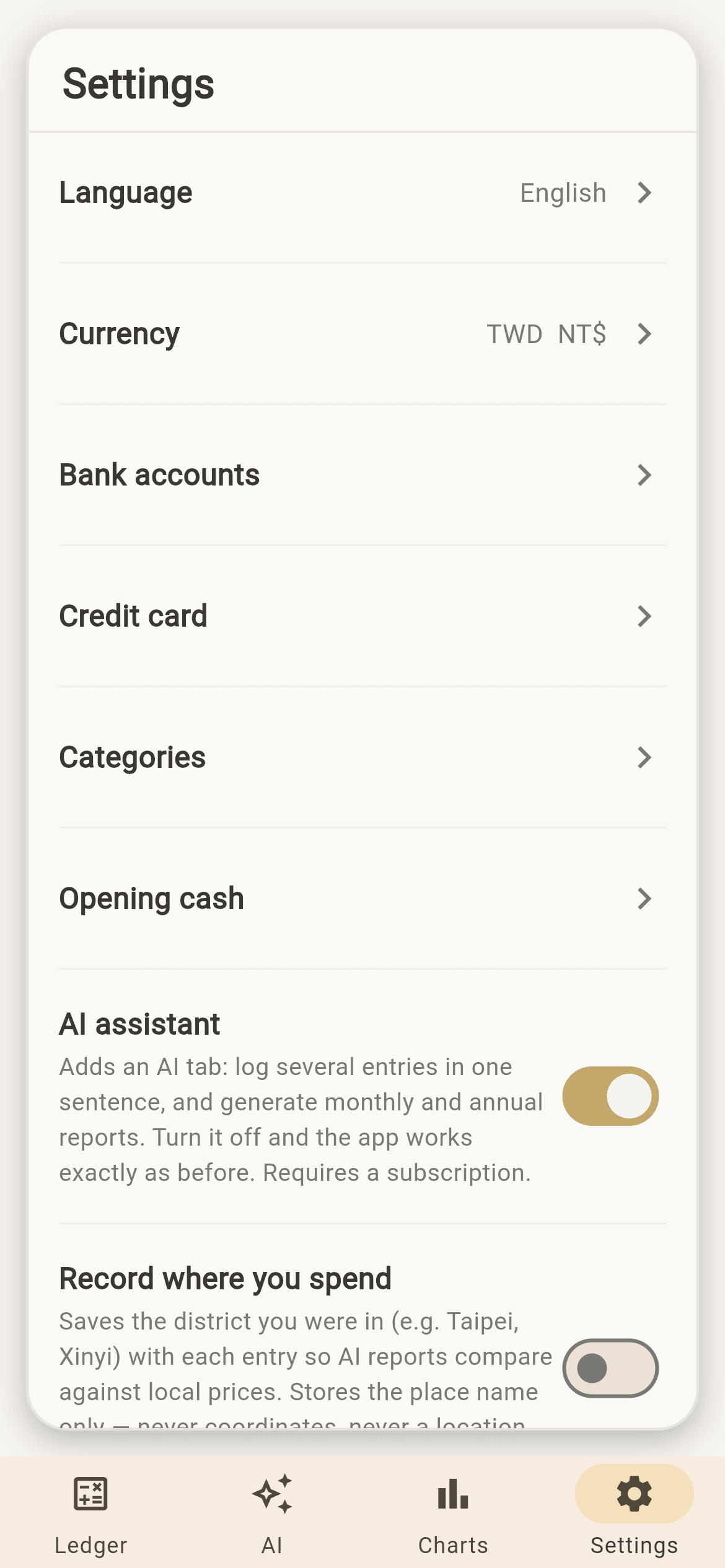
Demo data, straight from the app.
Pricing
One plan. Everything in it.
No lifetime purchase. Cancel any time; you keep access until the end of the current period.
Checkout runs through Creem, so that is the name on your card statement. Questions? Email me: holalouisliu@gmail.com · Refund policy
Questions
Worth knowing before you install.
Do I need an account?
Yes. The first launch asks you to create one with an email â that’s what sync across devices and daily backups hang off.
Does it work offline?
Yes. Entry runs on the device, so it keeps working with no connection and syncs once you’re back online. What does need a connection: creating your account, sync and daily backup, and the AI features. After a subscription lapses there’s a 7-day grace period — the ledger still reads and writes, AI stops immediately. Once that’s over the app locks, but you can still export a backup from the lock screen.
Is there an iPhone version?
There's a web app. Open it in Safari → Share → Add to Home Screen and it behaves like an app. There's no App Store version.
How do I use it on my phone?
Just open it in a browser. On iPhone or iPad use Safari → Share → Add to Home Screen; on Android use Chrome → Add to Home screen. After that it launches from the home screen like any other app. Do take that step — it is not only about losing the address bar: browsers can clear website data when storage runs short, and an installed app is not treated that way.
I can’t find it in the app stores — is it not listed?
Correct: there’s no Google Play or App Store listing. It runs as a web app, and once added to your home screen it behaves the same as a store install.
Where does my data live?
Your ledger syncs to a server (hosted in Singapore) so a new device can pick it up. Photos are the exception — they stay on your device and neither sync nor backup includes them.
Are photos uploaded?
No. Photos stay on that device; neither sync nor backup includes them.
Does it record my location?
Off by default. If you turn it on, it records the district only (e.g. Pingzhen District, Taoyuan) — never coordinates. Permission is requested at the moment you flip that switch in settings, not halfway through logging an entry.
Does the AI see my ledger?
For AI entry, the sentence you type and your category names go to Google's model. Reports send aggregated numbers, not line-by-line records.
How many devices can I use?
Three. Phone and web share one account and one set of data. A fourth sign-in isn’t refused — the device you’ve used least recently is signed out instead, so changing phones needs no preparation.
How long are backups kept?
One a day, and the cloud keeps only the most recent — each new one replaces the last. For multiple versions use Export backup; that file is yours and never gets overwritten.
Which languages are supported?
Traditional Chinese, English, French and Vietnamese — all four fully translated, nothing missing. Other languages work too: the AI follows whatever you type.
Can I track foreign currency?
Yes, currency is configurable.
What's the biggest difference from other expense apps?
Two things. It tracks more than income and expenses — money lent, favours owed, transfers between your own accounts, income still expected. And when the AI can't place a category it flags it and asks instead of picking one.
What if the AI gets it wrong?
When it can't match a category it flags it and asks rather than guessing. You can also correct entries afterwards: say “change last week's lunch to 150” and it finds it and confirms first.
Will I lose my data when I change phones?
No. Sign in on the new device and it comes back, and the most recent daily backup is there too. Photos are the exception — they don’t sync.
You can log your first entry right now.
It runs in the browser — nothing to install. On iPhone or iPad, open it in Safari, then Share → Add to Home Screen and it behaves like an app.